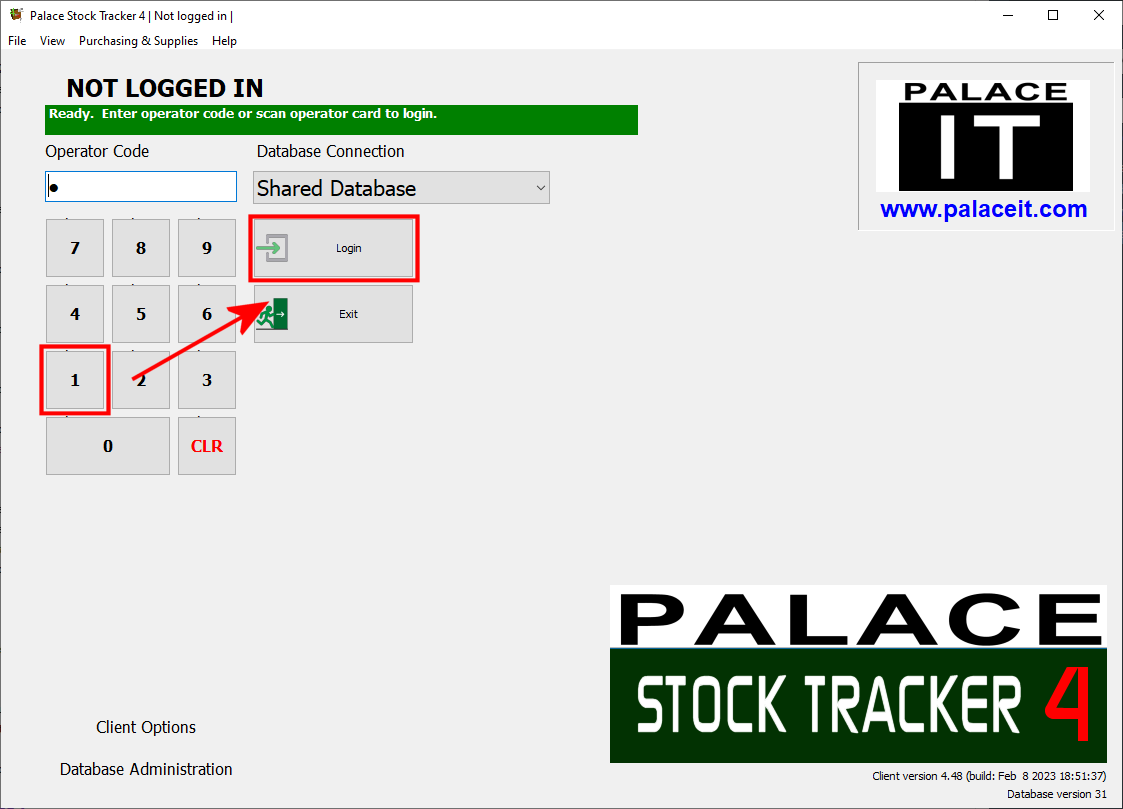
Operator Login

The default operator number is 1, simply enter 1 and press Stock Tracker Login to start using the software.

A default supervisor operator is also supplied which can perform more advanced tasks. The default supervisor operator is 100.

Note: When a database is used for the first time it must be activated. You will be prompted for an email address which is optional. After activation a 21 day trial licence will be created.

Additional operators and operator permissions are setup in the Administration Area.


It is recommended that these numbers are changed for security reasons.
To change the numbers for operators:
  • Log into the Administration area.
  • Press the Operators and Security button.
  • Double click on an operator account in the list.
  • Enter a new Operator Number and press Save.

See Also


 Contents
 Top